To send email through Inbixio, you connect an SMTP server once: a host, a port, a username, a password and a security option. Get those five right and everything else just works. Get one wrong and you will see failed deliveries with errors like authentication failed or connection timed out.
This guide explains what each setting means and lists the values for the providers our users connect most often.
The five settings
Host
The address of your provider’s outgoing mail server, such as smtp.gmail.com or smtp.office365.com. It is almost always different from the incoming (IMAP/POP) server, so double-check you copied the SMTP value from your provider’s help page.
Port
The port decides how the connection is secured:
| Port | Name | How encryption works | Use it? |
|---|---|---|---|
| 587 | Submission | Starts in plain text, then upgrades to TLS with STARTTLS before you log in |
Yes, the standard choice |
| 465 | SMTPS | Encrypted with TLS from the very first byte | Not supported by Inbixio |
| 25 | Relay | Server-to-server traffic; often blocked for applications | No |
| 2525 | Alternative | Unofficial; offered by some providers when 587 is blocked | Only if your provider recommends it |
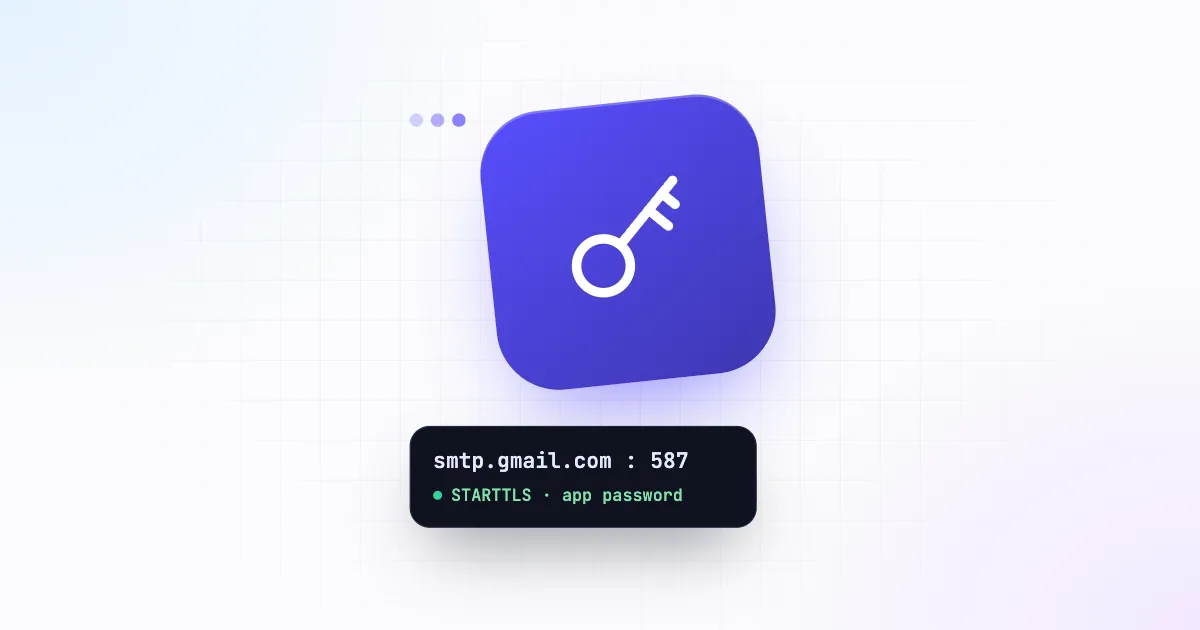
Use port 587. Inbixio connects to your server and upgrades the connection with STARTTLS before signing in, which is exactly how port 587 works, and every major provider offers it. Port 465 expects encryption from the very first byte, so it doesn’t work with Inbixio. If your provider only lists 465, look in their documentation for a 587 option.
Username
Normally the full email address of the mailbox, for example notifications@yourcompany.com.
With Inbixio, the username is also the address your emails are sent from. That makes it worth creating a dedicated mailbox for application mail, rather than using someone’s personal inbox:
notifications@orno-reply@for product notifications,security@for sign-in codes and password resets,billing@for receipts and invoices.
If you connect several servers, you can pin each API key to one of them, so each service always sends from the right address.
Password
The mailbox password, or more often an app password. Providers that use two-factor sign-in do not accept your normal password over SMTP, because SMTP cannot show a 2FA prompt. Instead you generate a separate password just for the application. It also means you can revoke the application’s access without changing your own login.
TLS and SSL
With Inbixio, the port decides how the connection is secured: Inbixio always upgrades the connection with STARTTLS before sending your username and password, so credentials never travel unencrypted. Use port 587 and turn on Use TLS in the server form to match.
Settings for popular providers
Google Workspace and Gmail
| Setting | Value |
|---|---|
| Host | smtp.gmail.com |
| Port | 587, TLS on |
| Username | Your full Google Workspace or Gmail address |
| Password | An app password (requires 2-Step Verification) |
Create the app password in your Google Account under Security → 2-Step Verification → App passwords. Workspace admins can disable app passwords for an organisation; if the option is missing, ask your admin. Google also applies daily sending limits per account, so for higher volumes use a Workspace account rather than a free Gmail address, and watch your dashboard for failures as you grow.
Microsoft 365 / Outlook
| Setting | Value |
|---|---|
| Host | smtp.office365.com |
| Port | 587, TLS on |
| Username | The mailbox’s full address |
| Password | The mailbox password, or an app password if MFA is on |
Make sure Authenticated SMTP is enabled for the mailbox in the Microsoft 365 admin centre and that your tenant’s security policies allow it. If you get an authentication error with a correct password, this is almost always the reason.
Plan ahead: Microsoft is retiring password (Basic) sign-in for SMTP. Its current plan is to switch it off by default for existing tenants from the end of December 2026, with admins still able to turn it back on, and to announce a final removal date later. Inbixio signs in with a username and password, so check your tenant’s setting before relying on Microsoft 365 for application mail.
Zoho Mail
| Setting | Value |
|---|---|
| Host | smtp.zoho.com (personal) or smtppro.zoho.com (organisation accounts) |
| Port | 587, TLS on |
| Username | Your Zoho email address |
| Password | An app-specific password if two-factor authentication is on |
Zoho uses regional data centres. If your account is hosted in another region, such as the EU or India, use the host shown in your Zoho Mail settings (for example smtp.zoho.eu).
cPanel, Hostinger and other hosting mailboxes
| Setting | Value |
|---|---|
| Host | Shown in your hosting panel, often mail.yourdomain.com or smtp.hostinger.com |
| Port | 587, TLS on |
| Username | The full mailbox address |
| Password | The mailbox password |
Look for Email accounts → Connect devices (cPanel) or Emails → Configuration settings (Hostinger) to see the exact values for your plan.
Troubleshooting failed deliveries
Your dashboard shows the share of emails that failed over the last 7 days. If it rises, or a test email never arrives, the cause is usually one of these:
- Authentication failed / username and password not accepted. Wrong password, or the provider wants an app password. Re-enter it in Email Servers → Edit.
- Connection timed out. Wrong host or port. Confirm port 587 and the SMTP (not IMAP) host.
- Sender address rejected. Some providers only let a mailbox send as itself. Make sure the username is a real, active mailbox.
- Daily limit exceeded. Your mail provider, not Inbixio, has capped the account. Spread the volume over more mailboxes or move to a business plan with your provider.
Once your server is connected, spend ten minutes on SPF, DKIM and DMARC. It is the single biggest factor in whether those emails reach the inbox or the spam folder.
Send it with Inbixio
Connect your own SMTP server, create a scoped API key and send from any language with one HTTPS request.